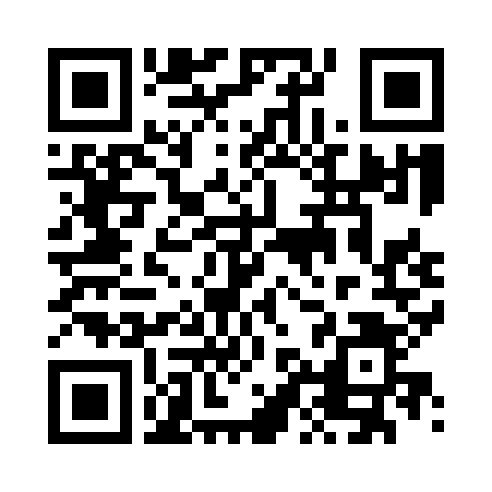
PayPal does not support domestic payments between Taiwan accounts; Taiwan clients should use bank transfer. For another currency, request an appropriate invoice first. Available payment methods, exchange rates and fees are shown by PayPal at checkout.
02 / TAIWANTWD / NT$
Taiwan bank transfer
For local TWD payments in Taiwan, use your banking app, online banking, an ATM or a bank counter.
Bank
玉山銀行 E.SUN Bank
Bank code
808
Branch
林口分行 / Linkou Branch (0886)
Account holder
黃立鑫
Account number
0886-979-113692
Account currency
New Taiwan dollar (TWD)
Keep the leading zero and omit hyphens: 0886979113692. Enter bank code 808 separately; do not prefix it to the account number.
Contact us before sending to agree the transfer currency, amount and bank fee arrangement. This is a TWD account. For incoming foreign currency, E.SUN contacts the recipient to arrange conversion before crediting TWD.
No. 115 and 117, Sec. 3, Minsheng E. Rd., Songshan Dist., Taipei City 105402, Taiwan
Use the beneficiary name exactly as shown, not the studio name or PayPal display name. The bank address above is from E.SUN’s official inward remittance instructions. If your bank needs the beneficiary’s address, an intermediary bank or further details, contact us first.
BEFORE YOU PAY
Three steps. Everything in order.
Confirm your quote
Agree the scope, payment milestone, amount and currency. This page provides payment methods; your written quote or invoice sets what is due.
Check, then pay
Check the beneficiary and account details, then use your agreed method. For wires, ask your bank about transfer and intermediary fees and expected arrival time.
Send your reference
Keep your receipt and email your project reference and payment details. Payment is confirmed after funds arrive and we reconcile them.
AFTER PAYMENT
Paid? Let us know.
Email your project or invoice reference, payment date, amount and currency. For bank transfers, add the last five digits of the sending account; for PayPal, add the transaction ID. Redact unrelated transactions, balances and personal details from receipts.
Opens an email draft with fields to complete. Add your name and payment details, then send it from your email app; this website does not send it automatically.
Why is the bank name different from the PayPal name?
Use the details for your chosen method: the PayPal account is linkoulab@gmail.com, while the bank beneficiary name is HUANG LEE LI-HSIN. Do not substitute the PayPal display name or studio name in a wire transfer.
Can I send USD to this account?
Please confirm your wire arrangements with us first. This account holds TWD; E.SUN arranges conversion of incoming foreign currency with the recipient. To keep funds in USD, request separately confirmed foreign-currency account instructions.
What about fees, refunds and delivery?
Fee allocation, refund conditions and delivery milestones are agreed in your project proposal or contract. Your bank or PayPal may charge transfer or currency conversion fees. Review them before paying; do not independently convert or deduct from the agreed amount.